Quick Hits
Timeular is a hybrid productivity tool consisting of an 8-sided physical dice and a robust software application designed to make time tracking tactile. For students, it solves the “out of sight, out of mind” problem common with digital-only apps. By flipping a physical object on your desk, you trigger the start of a study session, creating a psychological boundary between scrolling social media and deep work. While the hardware offers a satisfying click and visual reminder, the subscription-based software model and the 8-side limit for subjects are notable hurdles. It is particularly effective for visual learners and students with ADHD who struggle with the friction of manual data entry.
After testing dozens of productivity workflows and hardware setups in my own home office, I’ve found that the hardest part of being a student isn’t the work itself—it’s the transition into the work. You sit down, open your laptop, and suddenly three hours have vanished into a YouTube rabbit hole. I’ve used everything from paper planners to complex Pomodoro apps, but the Timeular system stands out because it demands physical interaction. It’s a literal “switch” for your brain. In this review, we’ll look at whether this 8-sided tracker is worth the investment for your finals week or if you’re better off with a free alternative.
The Struggle of Student Time Management
Most students live in a state of “autopilot.” You know you have a midterm coming up, but without a clear picture of where your hours go, you overestimate how much time you actually spend studying. Traditional apps often fail because they require you to open a tab, click a button, and type a description. That’s too much friction when you’re already stressed.
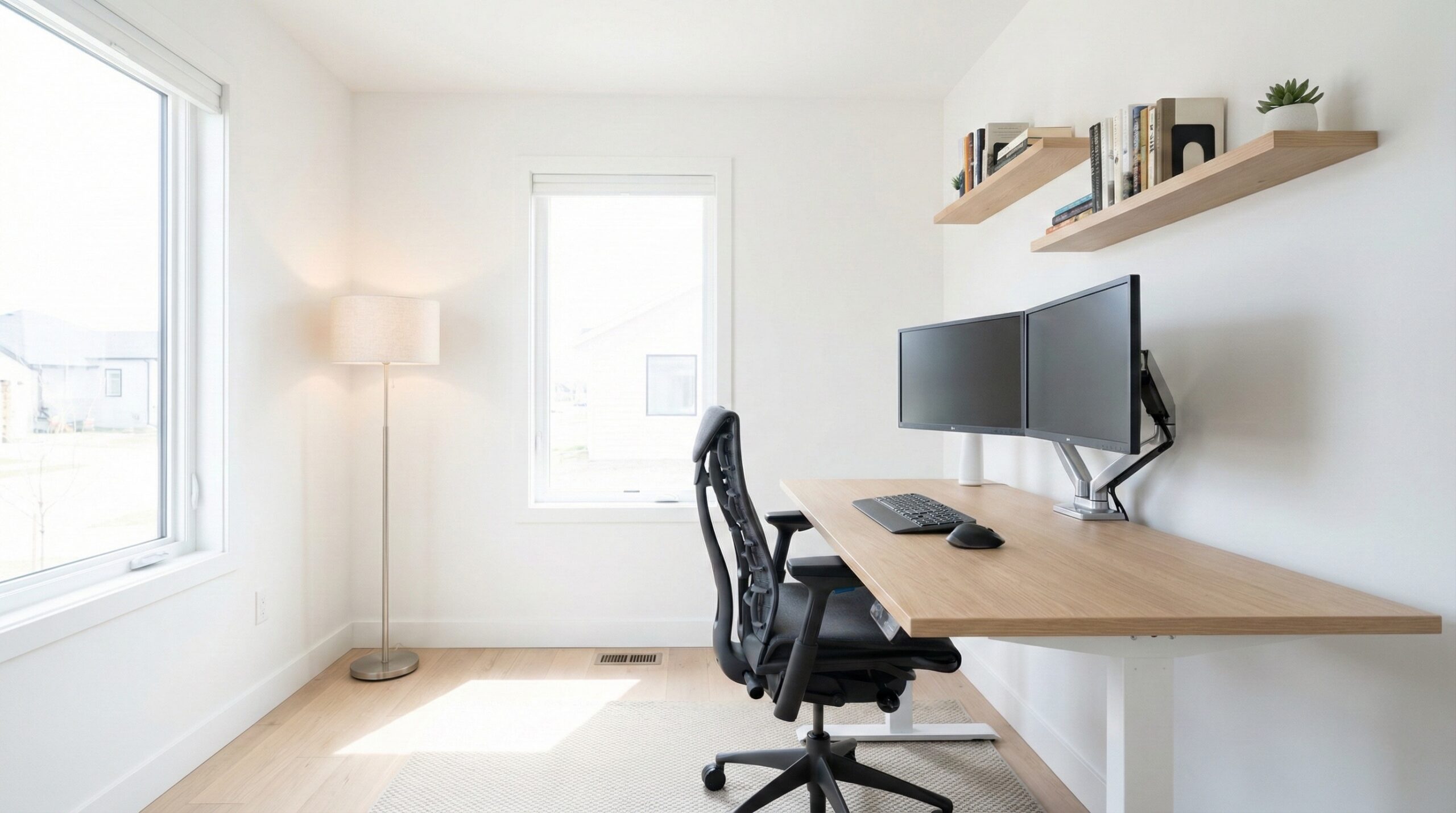
The Timeular ecosystem attempts to remove that friction. It consists of a weighted Bluetooth device and an app that logs your activity in real-time. Instead of clicking around a menu, you simply flip the dice so the “Biology” side is facing up. When you’re done, you flip it to “Break” or “Lunch.” It’s a tactile solution to a digital problem. If you’re looking to overhaul your entire environment, checking out various desk and workspace setups can help you find a permanent home for a device like this.
What is Timeular? Hardware meets Software
At its core, Timeular is two products working in tandem. The hardware is an 8-sided polyhedral (the Tracker) that connects via Bluetooth to your computer or phone. You assign a specific task or subject to each side using included stickers or pens. The software is a sophisticated dashboard that visualizes this data into heatmaps, pie charts, and exportable reports.
The 8-Sided Physical Tracker
The device itself is small enough to fit in the palm of your hand but heavy enough to feel substantial on a desk. It uses an internal accelerometer to detect which side is up. While the newest models have improved battery life and connectivity, it is important to note that the physical nature of the device means you are limited to eight “top-level” categories at any given time.
The Timeular App (Windows, Mac, iOS, Android)
The app is where the heavy lifting happens. It isn’t just a timer; it’s a data analytics tool. It integrates with calendars (Google, Outlook) and other productivity tools like Jira or Trello. For a student, this means you can see exactly how many hours of “Deep Study” you did compared to “Group Projects” or “Administrative Tasks” like emailing professors.
| Product Name | Best For | Price Range | Pros/Cons | Visit |
|---|---|---|---|---|
| Timeular Tracker | ADHD & Visual Learners | $89 – $120 | Tactile feedback; Great app / 8-side limit; Subscription required | |
| Toggl Starter | Budget-Conscious Students | $0 – $10/mo | Free tier is excellent / No physical hardware focus | |
| Timery for Toggl | Apple Ecosystem Users | $0 – $15 | Amazing widgets / iOS/Mac only; No hardware |
Timeular Tracker
The Timeular Tracker is the primary focus of this review, and for good reason. In my testing, the physical act of rotating the tracker creates a ritual that digital apps simply can’t replicate. If you’re a visual person, having this sitting on your desk acts as a silent coach. It reminds you that your time is currently being “spent” on a specific category. When I tried using it for a week, I noticed I was far less likely to pick up my phone because the tracker was literally staring me in the face, reminding me I was in “Project Mode.”
What Works
- Visual accountability is a massive help for students with ADHD who struggle with object permanence.
- The software allows for complex tagging beyond the 8 physical sides, meaning you can track “Biology” as a side but tag it “Exam Prep” in the app.
- The Bluetooth connection in the 2020 model and beyond is significantly more stable than the early Kickstarter versions.
What Doesn’t
- The 8-side limitation can be frustrating if you take 10+ classes or have numerous extracurriculars.
- Requires a monthly subscription to access the full reporting features, which can be a heavy lift for a student budget.
Worth It? Best for visual learners and ADHD students who need a physical reminder to stay on task. Skip if you are a minimalist who prefers a completely digital workflow.
Toggl Starter
If you aren’t ready to drop nearly a hundred dollars on a plastic dice, Toggl (specifically the Toggl Track app) is the gold standard for digital-only tracking. It is a robust cloud-based system that works on every device imaginable. While it lacks the “flip to track” gimmick, it offers deep insights into your productivity patterns. For students, the free tier is incredibly generous, allowing you to track as many subjects and projects as you need without a cap.
What Works
- The “Pomodoro Mode” is built directly into the desktop app, helping you maintain a 25/5 rhythm.
- Browser extensions can automatically remind you to track time when you visit certain sites (like Canvas or Blackboard).
- Zero hardware cost means you can start tracking your study habits today.
What Doesn’t
- Because it’s “just another tab,” it is very easy to forget to turn it on or off.
- Manual entry can feel like a chore, leading to inaccurate data after the first week of use.
Worth It? Best for budget-conscious students who have the discipline to click a button. Skip if you find yourself forgetting to use apps that aren’t physically in your face.
Timery for Toggl
Timery is a third-party app that acts as a beautiful interface for Toggl’s backend. If you are deep in the Apple ecosystem, this is arguably better than the official Toggl app. It brings widgets to your iPad home screen and complications to your Apple Watch. In practice, this means you can start a study session from your wrist with a single tap. It’s a middle ground between the full hardware of Timeular and the digital-only nature of Toggl. For more tech-heavy setups, exploring other tech peripherals and accessories can complement this mobile-first approach.
What Works
- Gorgeous iPad widgets that make your study schedule look like a professional dashboard.
- Apple Watch integration is seamless, allowing you to track time while your phone is in another room.
- Supports “Siri Shortcuts,” so you can say “Hey Siri, start studying Chemistry” to begin a log.
What Doesn’t
- Only available for iOS/macOS users; Android and Windows students are out of luck.
- Does not solve the “physical reminder” problem as effectively as a dedicated desk object.
Worth It? Best for iPad-heavy students who want the fastest possible way to log time without a physical dice. Skip if you use Android or Windows.
Why Students Love the Tactile Experience
In a world of glass screens, physical objects carry weight. When you flip the Timeular tracker, you aren’t just starting a timer; you’re making a commitment. This is particularly valuable for the student demographic, where the boundary between “chilling” and “working” is often blurred in a tiny dorm room.
The Visual Advantage for ADHD and Visual Learners
Many students with ADHD report that digital timers simply disappear into the background noise of their operating system. The Timeular tracker acts as a physical “anchor.” One Reddit user, u/WestWindZ, noted:
“I have adhd and am a super visual learner… being able to see it on my desk 24/7 is realllllly great. I’ve tried so many other timing apps but I cant remember to use them without a physical manifestation of it.”
This sentiment is common; the tracker serves as a permanent visual cue that “work is happening.”
The Satisfaction of the ‘Flip’: Ending a Study Session
There is a psychological release in physically flipping the tracker to its base (which stops the timer) once you finish a grueling study session. It’s the modern equivalent of closing a heavy textbook. This physical closing of a chapter helps prevent “academic burnout” by clearly signaling to your brain that the workday is over. We’ve explored similar productivity-enhancing tools in our guide to the best digital timers for students, which offers cheaper alternatives if the Timeular price tag is too steep.
Key Features for Academic Productivity
Timeular isn’t just a fancy paperweight; the software side is built for analysis. As a student, your goal isn’t just to see that you studied, but to see how you studied.
Quicktrack: Tracking Without the Hardware
One of the best updates to the Timeular ecosystem is Quicktrack. This is a keyboard shortcut that allows you to start tracking instantly without touching the dice. This is perfect for when you’re in the library and didn’t bring the physical tracker. It ensures that your data remains consistent even when you aren’t at your primary desk. For a deeper dive into how this compares to other hardware solutions, our comparison of Baseus vs Timeular for productivity highlights the strengths of both brands.
Detailed Reporting: Analyzing Your Study Habits
The “Insights” tab is where students find the most value. You can see your “most productive hours” based on when you actually log your work. If you find that your Biology sessions are consistently 4 hours long but your Literature sessions are only 30 minutes, you might realize you’re neglecting a subject—or that you’re so efficient at one that you can reallocate time to the other. This kind of data is eye-opening during finals week when every hour counts.
What Real Users Are Saying (Reddit Insights)
General Sentiment
The general consensus in the productivity community is that Timeular is a premium “nice-to-have” that becomes a “must-have” for people who struggle with digital discipline. Most users agree that the hardware is the best in class for tactile tracking, though the software subscription remains a point of contention for those on a tight budget. Many find that the “physicality” of the device is what finally made time tracking stick after years of failed attempts with other apps.
Top Complaints & Warnings
It isn’t all praise. Several users on Reddit have pointed out specific flaws you should be aware of:
“My only complaint is that it doesn’t have onboard storage… if your Bluetooth drops, you might lose the session start time.” — u/WestWindZ
“The 8-side limitation is real. I ended up having to use stickers and re-assigning sides every semester, which is a bit of a pain.” — Reddit User
Additionally, older models (pre-2020) were notorious for pairing issues. If you are buying one used, ensure it is the updated version with the USB-C charging port to avoid these legacy headaches.
Budget Tips & Value Picks
If the $89 price tag is too high, the community often recommends starting with the free software and using “Quicktrack” first. This lets you see if the Timeular interface works for you before committing to the hardware. For more ways to save while building your setup, browse our Timeular alternatives for productivity guide to find a balance between cost and functionality.
Other Notable Alternatives Worth Considering
While Timeular is the leader in tactile tracking, other tools can help you manage your student life effectively. Here are a few that didn’t make the main list but are worth a look:
- Apple Watch: If you already own one, apps like Timery or “EARLY: Time Tracking” turn your wrist into a tracker. It’s portable but lacks the “desk presence” of a dedicated dice. Check Price
- Rocket 135: A simple app-based method that focuses on the “1 big task, 3 medium, 5 small” rule. It’s great for prioritizing rather than just logging hours. Check Price
- Physical Pomodoro Timers: Sometimes a simple rotating kitchen-style timer is all you need to stay off your phone. Check Price
Frequently Asked Questions
Can I use Timeular for free without buying the physical tracker?
Yes, you can download the Timeular app for free on your computer or phone. While you won’t have the 8-sided dice, you can use the “Quicktrack” feature to start and stop timers using keyboard shortcuts. This is a great way for students to test the software’s reporting and interface before investing in the hardware. Many students find the app alone is enough for their needs.
How many different activities can the Timeular tracker hold?
The physical tracker has 8 sides, meaning you can have 8 “active” activities at any one time. However, the software allows you to use tags. For example, one side could be “Study,” and you can manually tag it as “Calculus” or “History” within the app. If you have more than 8 major subjects, you’ll need to use these digital tags or reassign the sides as your semester changes.
Does Timeular work offline if I’m studying in a library without Wi-Fi?
The Timeular desktop app can track your time offline, and it will sync your data once you reconnect to the internet. However, the mobile app (iOS/Android) currently has limited offline capabilities and generally requires a stable connection to sync with the tracker effectively. If you’re a library-dweller, using the tracker with your laptop is the more reliable choice.
Is Timeular better than Toggl for students with ADHD?
For many students with ADHD, Timeular is superior because it provides a “physical manifestation” of time. Digital apps like Toggl are easy to forget once you close the tab. Having the Timeular tracker sitting on your desk acts as a constant visual reminder to stay on task. It removes the “forgetting to track” hurdle which is a common pain point for neurodivergent students.
Is there a student discount available for the Timeular tracker?
Timeular does occasionally offer educational discounts or seasonal sales (especially during “Back to School” months). It is worth checking their official site or reaching out to their support team with a valid .edu email address. Even without a discount, the “Quicktrack” alternative remains a free entry point for students on a budget who want to use the software ecosystem.
Final Verdict: Should You Buy Timeular for Finals Week?
If you find that your biggest hurdle is simply starting your work, or if you constantly forget to use time-tracking apps, Timeular is a solid investment in 2026. The tactile nature of the device provides a level of accountability that software alone cannot match. It’s a tool that turns your desk into a dedicated “zone” for productivity. However, if you are a student who takes 12 different classes and needs extreme granularity without clicking a mouse, the 8-side limit might feel restrictive.
For most students, I recommend starting with the free Toggl app or the Timeular software-only version. If you find yourself still struggling to stay focused after a week, then pull the trigger on the hardware. It is an expensive tool, but if it saves you from failing a course or losing dozens of hours to procrastination, it pays for itself in a single semester. Just remember to keep your charger handy and choose your 8 sides wisely.
Disclosure: We earn a small commission on qualifying purchases through our Amazon links, at no extra cost to you.
Affiliate disclosure: This page includes affiliate links. Purchases through these links support our work at no added cost.