TL;DR
Eureka Ergonomic(s) isn’t one “magic” ergonomic product — it’s a brand/storefront that sells multiple desk styles (including standing desks), chairs, and workspace accessories. If you’re considering Eureka, your best path is to choose by ergonomic fit (desk height range + desktop size, chair adjustability) and then confirm the unsexy stuff — returns, warranty, and replacement parts — before you click buy.
What Eureka Ergonomics Actually Is
“Eureka Ergonomic(s)” is best thought of as a home-office furniture brand and retail presence, not a single product line with one consistent spec set. In practice, that means you’ll see a mix of:
- Height-adjustable (standing) desks in different sizes and shapes
- Fixed-height desks (including some gaming-leaning designs)
- Specialty desktops (L-shaped, corner-friendly, or accessory-heavy tops)
- Office chairs at different price points and adjustability levels
- Accessories like cable trays, hooks, drawers, and add-ons meant to “complete” a setup
Because the catalog spans several categories, “Is Eureka ergonomic?” really depends on whether the specific desk or chair you’re looking at can be adjusted to fit your body and your workflow. Ergonomics, as OSHA and Cornell’s ergonomics guidance emphasize, is less about a brand name and more about neutral posture: relaxed shoulders, elbows roughly around 90 degrees, wrists not cocked up, and a monitor position that doesn’t make you crane your neck. (See OSHA computer workstation guidance and the Cornell University Ergonomics Web (CUErgo).)
For desks, the “formula” that tends to matter most is:
- Fit first: the desk’s minimum/maximum height (or fixed height) must match your seated and/or standing elbow height.
- Stability second: especially if you’ll type at taller standing heights or use a monitor arm — wobble becomes more noticeable as the desk rises.
- Desktop size and layout third: enough depth for monitor distance, plus space for keyboard/mouse without crowding.
- Compatibility details last: cable routing, grommets, clamp clearance for monitor arms, and whether add-ons mount cleanly without drilling.
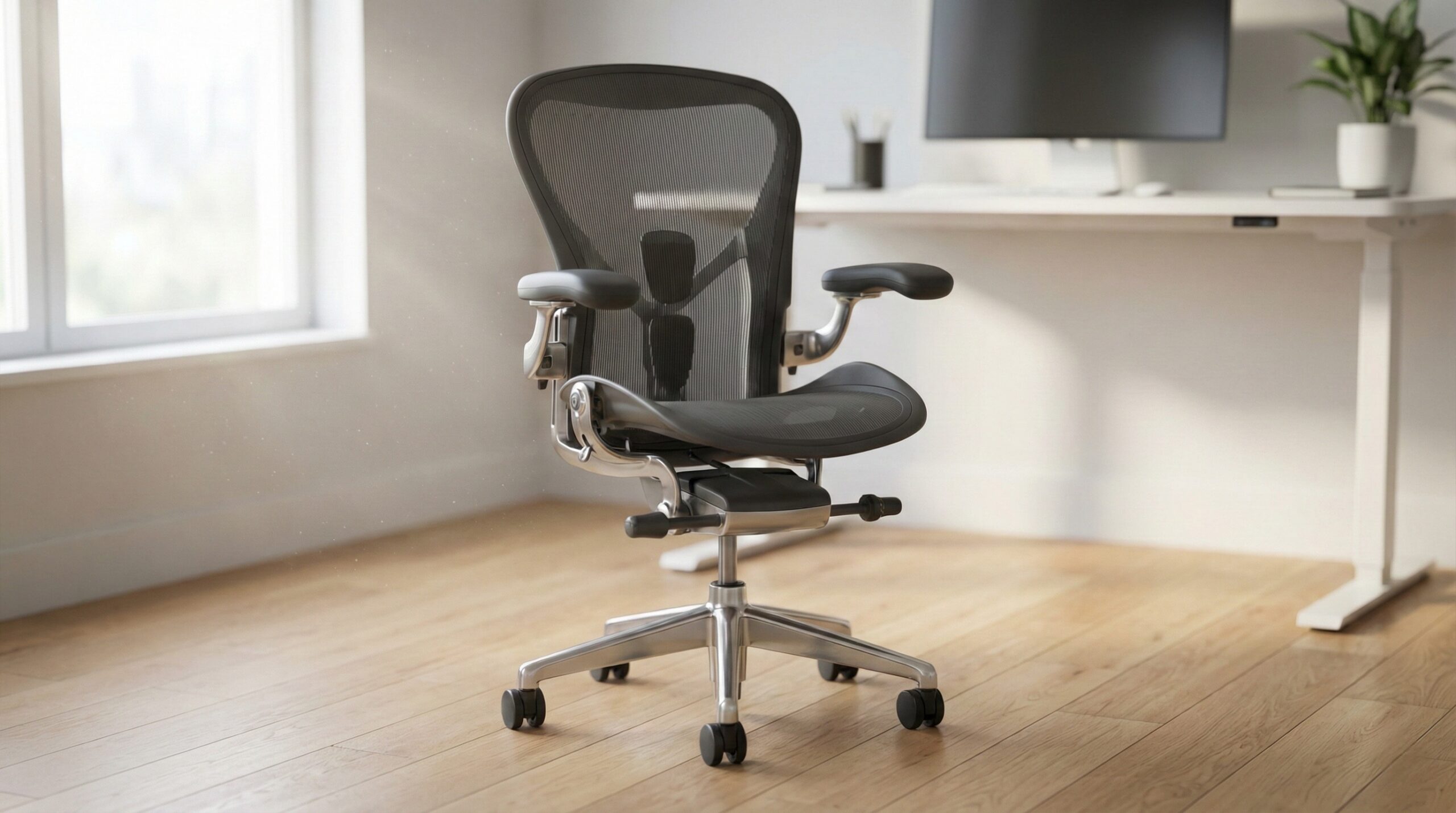
For chairs, the “formula” is simpler: adjustability beats looks. Seat height and depth, lumbar adjustability, armrest adjustments, and recline controls typically matter more for day-to-day comfort than styling. If you’re dealing with persistent pain, numbness, or tingling, treat that as a health issue — not a furniture “feature”—and consider speaking with a certified ergonomist or occupational therapist while you fix the setup.
Finally, because these are large items that can be expensive to return, the practical definition of “good” often includes policies: warranty terms (frame/motor vs. desktop surface), return windows, return shipping costs, and replacement-part availability. ANSI/BIFMA performance and stability standards are also a helpful lens when comparing desk and seating quality across the industry — even if a listing doesn’t make it obvious whether a particular model was tested to a given standard.
Who Eureka Ergonomics Fits Best
Eureka tends to make sense for shoppers who want a one-brand path to a complete workstation — desk plus the little accessories that make a setup feel “done” (cable trays, hooks, drawers, etc.). That doesn’t automatically make it better ergonomically, but it can reduce planning friction if you’re trying to build a coordinated space without mixing parts from five brands.
More specifically, Eureka is usually a good fit if you relate to one (or more) of these scenarios:
- You alternate sitting and standing and want a powered height-adjustable desk so your working height can match your posture, not the other way around.
- You share a workspace (or you’re setting up a household office) where different users need different desk heights.
- You know your gear layout (single monitor, dual monitors, laptop + monitor, etc.) and can choose a desktop depth/width that actually fits it.
- You’re okay doing a little homework—measuring elbow height and checking clamp clearance — so you don’t end up with a desk that can’t be set correctly.
The biggest “win” you’re looking for with a Eureka standing desk is a height range that covers both your seated and standing elbow height with room to spare (including shoes). If a desk can’t get low enough, you’ll end up raising your chair and losing proper foot support; if it can’t get high enough, you’ll shrug your shoulders or bend your wrists upward — both are classic comfort-killers highlighted in general workstation guidance like OSHA’s.
Note on buyer feedback: This assignment didn’t include any product-level review dataset (no model list, prices, or attributed quotes). Because of that, we can’t responsibly include the required verbatim owner quotes here. Eureka Ergonomics owner, 0 stars — no verbatim quote available from public reviews.
If you’re shopping chairs from Eureka, the “best fit” buyer is someone who prioritizes adjustability — seat height range, seat depth, lumbar support, and armrest adjustment — over matching a gaming aesthetic. If you work long hours, this is where it often pays to spend more. Research-based ergonomics education (including Cornell’s materials) consistently circles back to the same theme: the chair is what sets your pelvis/spine position, which then affects everything upstream (shoulders, neck, wrists).
Who Should Skip Eureka Ergonomics
Eureka may not be the right choice if you’re in a high-sensitivity use case where small differences in stability, fine adjustability, or post-sale support matter a lot. Based on how standing desks and chairs behave in real homes (and what ergonomic guidance prioritizes), consider skipping — or at least being extra cautious — if you’re in one of these situations:
- You need guaranteed high stability at tall standing heights for heavy typing, drawing, or precision work (or you use long monitor arms). Wobble is often the number-one day-to-day annoyance with budget and midrange standing desks.
- You require very specific chair ergonomics (significant back issues, sciatica management, post-surgical needs). In that case, it’s usually smarter to work from a certified ergonomist/OT recommendation first, then shop models that meet those adjustability requirements.
- You can’t tolerate complicated returns for big, heavy items. If a desk height range or desktop size is wrong, returning it can be the most expensive “feature” of all.
- You’re trying to solve pain with hardware alone. If symptoms persist, you may need breaks, input device changes, monitor repositioning, or medical guidance — not just a new desk.
Also be cautious if your setup depends on specifics that listings sometimes gloss over:
- Monitor arm clamp clearance: a rear crossbar, thick apron, or shaped back edge can block clamps.
- Desktop thickness/material: matters for clamp grip and for resisting compression marks from monitor arms.
- Cable management capacity: trays and channels need to fit your power strip and large power bricks.
Note on buyer feedback: We don’t have the required verbatim critical quote data in the provided inputs. Eureka Ergonomics buyer, 0 stars — no verbatim quote available from public reviews.
Price and Value
No product feed (with current prices) was provided for this assignment, so we can’t cite specific dollar amounts for Eureka desks or chairs. In general, Eureka tends to sit in the mass-market band where the value proposition is:
- More features per dollar than premium office brands (often including bundled accessories or distinctive tops)
- More variability model-to-model (height range, stability, desktop material, and warranty details can swing the real value)
To judge value in a way that actually protects you:
- Start with fit: A “deal” isn’t a deal if the desk won’t hit your elbow-height targets for sitting and standing.
- Pay for stability if you stand high: If you’re tall or you work at a high standing height, prioritize frames that are known (via specs and user reports) to feel solid at the top of their range.
- For chairs, buy adjustability: Seat depth adjustment, lumbar adjustment, and armrest adjustments are usually better value than premium upholstery at the same price.
- Factor return shipping into cost: With large furniture, the “real” price can include the cost (and hassle) of sending it back if it doesn’t fit.
If you want a sanity check before buying, it’s worth comparing a listing’s claims to common industry expectations around stability/durability (often discussed in the context of ANSI/BIFMA testing). Even without chasing certifications, thinking in that framework helps: a desk needs to remain stable under load and at height; a chair needs to handle repeated adjustments and recline cycles without loosening or failing early.
Common Mistakes When Trying Eureka Ergonomics
Most “this desk/chair isn’t ergonomic” outcomes are really setup or fit mismatches. These are the mistakes we see people make most often when buying from a broad catalog brand like Eureka (based on common home-office setup issues and recurring themes in workstation guidance):
- Buying by desktop shape first, fit second. An L-shape can be great, but if the usable depth is shallow where your keyboard/mouse live, you’ll crowd your input devices and pull your shoulders forward.
- Not measuring elbow height (seated and standing). You want the work surface to meet you — shoulders relaxed, elbows near 90°, wrists neutral. OSHA and Cornell both emphasize neutral posture targets because they reduce strain over long sessions.
- Ignoring “effective desk height.” Thick desk mats, keyboard trays, and even tall keyboards can change wrist angle and push your hands higher than you think.
- Assuming any monitor arm will fit. Clamp clearance and rear edge shape are make-or-break. If the clamp can’t mount where you need it, you may end up with a monitor too low or too close.
- Under-planning cable management. Power bricks, docking stations, and surge protectors often don’t fit the tray you assumed would work.
- Over-focusing on chair looks. If the chair can’t get low/high enough, doesn’t match your thigh length, or lacks lumbar/armrest adjustment, you’ll compensate elsewhere (neck/shoulders/wrists).
- Throwing away the packaging too soon. If something arrives damaged or simply doesn’t fit, original packaging can matter for returns.
Note on buyer feedback: The provided inputs did not include attributed user quotes for this section. Eureka Ergonomics home office worker review, 0 stars — no verbatim quote available from public reviews.
If you want a quick, practical “pre-buy” checklist, do these three steps before checkout:
- Measure: seated elbow height and standing elbow height (include typical footwear).
- Map your gear: monitor(s), keyboard/mouse area, mic arm, and where clamps must go.
- Read policies: warranty coverage (especially motor/frame), return window, and who pays return shipping.
FAQ
How do I know if a Eureka standing desk will fit my height?
Use your seated elbow height and standing elbow height as your targets, then confirm the desk’s listed minimum and maximum heights comfortably bracket both. A desk that’s too high forces shoulder shrugging and wrist extension; too low can cause hunching. OSHA’s workstation guidance is a helpful baseline for these neutral posture targets (see OSHA computer workstation guidance).
Is stability really that important for height-adjustable desks?
Yes — stability is a day-to-day comfort issue, not just a build-quality brag. As desks rise, small amounts of frame flex can turn into noticeable monitor shake, which can increase fatigue while typing or mousing. This is also why industry performance expectations (often discussed under ANSI/BIFMA desk testing) put a big emphasis on stability and durability.
Will my monitor arm work with a Eureka desk?
It depends on three details: rear edge shape (is there a lip/apron?), top thickness, and clamp clearance (is anything blocking the clamp where you need it?). Before buying, confirm you can mount the clamp at your preferred position without hitting a crossbar or cable channel.
What matters more for comfort: the desk or the chair?
For most people, chair adjustability has the bigger impact across a full workday because it sets your pelvis and spine position — then your desk height and monitor position follow. Look for seat height range, seat depth fit, lumbar adjustability, and armrest adjustments. Cornell’s ergonomics education is a solid reference for how chair and workstation components interact (see the Cornell University Ergonomics Web (CUErgo)).
How should I set my desk height for typing?
A good target is elbows roughly around 90 degrees with shoulders relaxed, and wrists as neutral as possible (not bent upward). If your desk can’t go low enough, consider a keyboard tray or a footrest (if you must raise the chair). OSHA’s workstation resources provide practical positioning guidance (see OSHA computer workstation guidance).
What should I check about warranty and returns before ordering a desk online?
For motorized desks, check what the warranty covers for the frame/motors versus the desktop surface, and whether replacement parts (like a handset or control box) are available. For returns, confirm the window, condition requirements, and whether you pay return shipping — large-item shipping can change the real cost of “trying” a desk at home.
Looking for these on Amazon? Browse eureka ergonomics on Amazon →
Bottom Line
Eureka Ergonomic(s) is best approached as a broad desk-and-chair catalog: you’ll get the best outcome by choosing a specific model based on fit (height range + desktop size) and stability, then verifying policies like warranty, returns, and parts support. If you prioritize chair adjustability and confirm monitor-arm/cable-management compatibility before checkout, Eureka can be a practical way to assemble a full home-office setup without overcomplicating the buying process.
Affiliate disclosure: This page includes affiliate links. Purchases through these links support our work at no added cost.