TL;DR
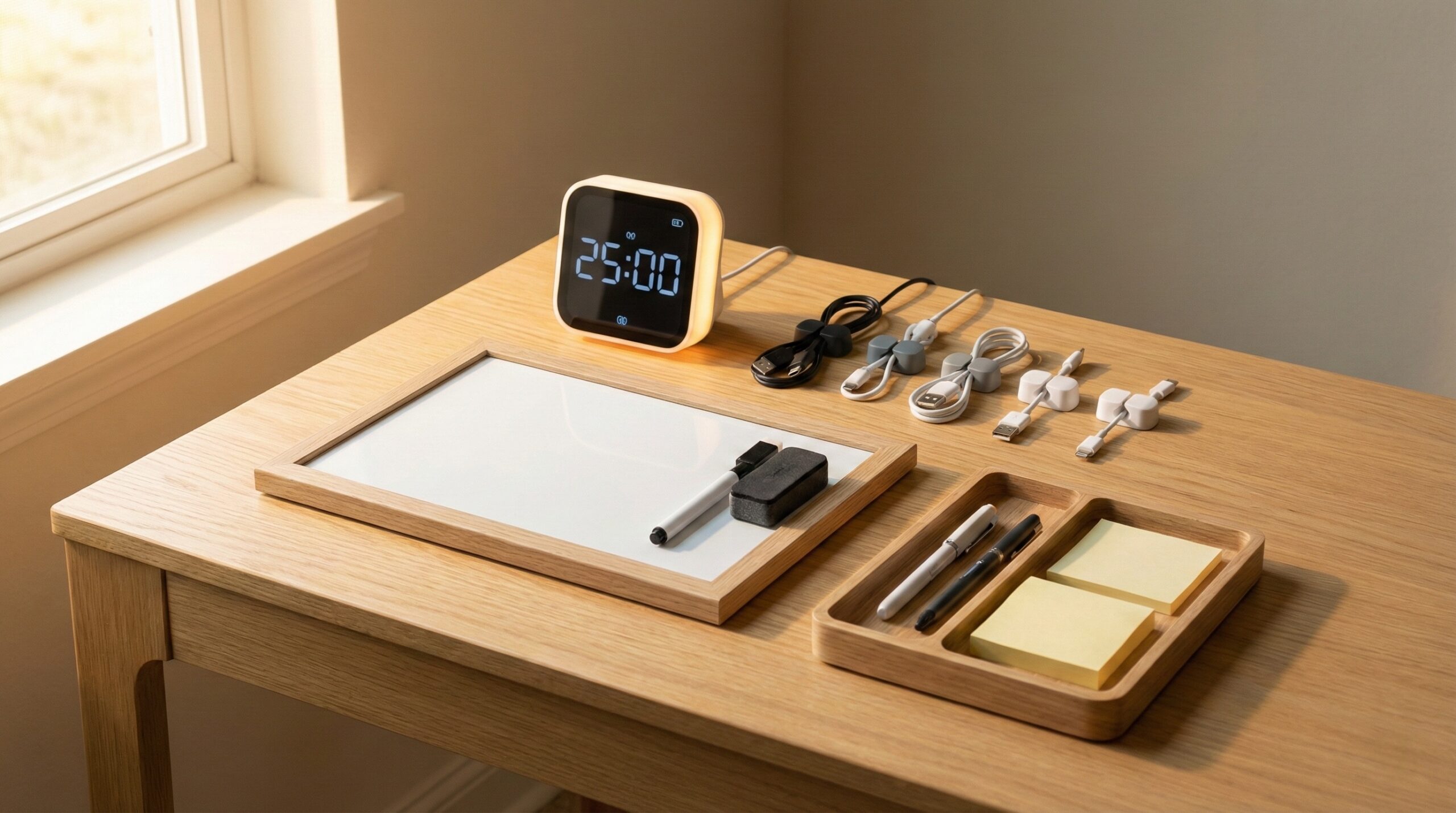
If you’re a student who tends to lose track of time mid-task, a visual countdown timer is usually easier to “feel” at a glance than a numbers-only timer. For shared spaces like libraries, prioritize models that can run quietly (or at least keep alerts controlled) and are fast to reset for repeated study sprints.
Top Recommended Productivity Tools
| Product | Best For | Price | Pros/Cons | Visit |
|---|---|---|---|---|
| TIME TIMER MOD 60-Minute Visual Timer Home Edition | Pomodoro-style blocks with visual pacing | $10 – $20 | Easy-to-read visual countdown; some buyer complaints about alarm behavior and durability | Visit Amazon |
| Learning Resources Time Tracker Visual Timer & Clock | Time-management routines that also need a clock | $20 – $30 | Combines clock + visual timer; mixed buyer sentiment on build quality and execution | Visit Amazon |
Top Pick: Best Overall Productivity Tools
TIME TIMER MOD 60-Minute Visual Timer Home Edition
Best for: Students juggling mixed sessions (Pomodoro blocks, problem sets, reading) at a dorm desk or kitchen table who want a quick-glance countdown without constantly doing time math.
The Good
- Visual “time remaining” display is intuitive for pacing — especially when you’re switching between tasks and don’t want to re-interpret numbers every time you look up.
- Works well for common student rhythms like 25/5 or 50/10 blocks, where quick restarts matter more than fancy programming.
- Easy to share in group study: one person can set it and everyone can see where you are in the sprint from across a small room.
- Buyer feedback often highlights it as a practical tool for routines that need structure (studying, homework, and work-from-home schedules).
The Bad
- Some home office worker reviews mention the alarm behavior isn’t their favorite, which can be a dealbreaker if you need very specific alert control in a quiet library.
- A few buyers report durability issues over time, so it may not be the best choice if you’re tough on gear in a backpack.
4.5/5 across 9,694 Amazon reviews
“I recently purchased the TIME TIMER Home MOD – 60 Minute Visual Timer in Dreamsicle Orange, and it has been a game-changer for managing time, especially for homeschooling and work. The visual countdown feature is super helpful for kids to understand time limits without the distraction of ticking sounds.The design is sleek, and the color is bright and…” — Verified Amazon buyer (5 stars)
“I was hoping this original Time Timer would last longer than the fake/knockoff timers sold here and on Ali/temu/etc. Unfortunately, this one also failed (discovered this a few months ago, forgot about it’s existence and I just found out the warranty period has expired, let’s call that "adhd Tax" ). It was used occasionally by an adult, not a scratch on the…” — Verified Amazon buyer (2 stars)
Typical price: $10 – $20
“I swear by [The Time Timer](https://www.timetimer.com/) line of count down clocks.” — r/teaching discussion
Our Take: For most students, this is the simplest “set it and stay on pace” option — especially when you’re studying in short, repeatable blocks and want a visual countdown you can read in one glance.
Learning Resources Time Tracker Visual Timer & Clock
Best for: Students (or parents supporting students) who want a visual timer plus an always-on desk clock for day-to-day time awareness in a bedroom study nook or homeschool area.
The Good
- Combines a clock with visual time-tracking, which can help if you’re trying to build a more structured routine (start times, breaks, and “done by” deadlines).
- Designed with learning environments in mind, so the core idea is aligned with classroom-style time management.
- Good fit for shared spaces where multiple people need to understand timing quickly (study group, tutoring table, family kitchen homework station).
- Helps reduce “how much time is left?” interruptions during focused work sessions because the remaining time is visible.
The Bad
- Build quality is a recurring theme in buyer feedback — some people simply aren’t happy with how it’s executed.
- If you’re expecting a premium, long-lasting device, the mixed reviews suggest you should keep expectations realistic at this price.
4.2/5 across 2,750 Amazon reviews
“UPDATE (NOV 2013):We had another child in March of 2012 and he has finally reached the age where he is chatting a lot, very interested (in EVERYTHING), can communicate with us (modestly), and we can in turn communicate back to him. I love 18 months old!!!Due to the structure of our home, we decided to setup his crib in our bedroom. It has been working out…” — Verified Amazon buyer (5 stars)
“Please first read the positive reviews. You will notice that most people are giving positive reviews of the CONCEPT of this product and also the fact that using a visual timer has indeed helped their kids get ready. I agree on both counts. Parents, give yourself five-stars for implementing this idea. But don’t give this product five-stars and lead people…” — Verified Amazon buyer (1 stars)
Typical price: $20 – $30
“I agree on both counts. Parents, give yourself five-stars for implementing this idea. But don’t give this product five-stars and lead people astray. This product is pathetic.” — verified buyer, 1 stars
Our Take: It’s a conceptually great fit for routine-building, but the uneven buyer feedback means we’d pick it when you specifically want the clock + visual timer combo (and you’re okay returning it if you get a dud).
FAQ
Are visual countdown timers better than numeric timers for students?
Often, yes — if the problem is pacing and “time blindness,” a visual countdown can be easier to process in a quick glance because you see time shrinking. If you’re doing precision work like timed practice sections where exact minutes and seconds matter, a numeric timer can be better (or a visual timer that still lets you set time precisely).
What’s the best alarm type for studying in a library?
Ideally, you want a true silent option (vibration or a light cue) or at least an alert you can keep unobtrusive. In general, research-informed time management resources emphasize consistent work/break cycles — but in quiet spaces you’ll want a timer that supports those cycles without startling you or bothering others; see guidance like the University of Illinois Urbana-Champaign CITL Pomodoro technique overview for how students commonly structure timed blocks.
Is 60 minutes enough, or should I get a longer-range timer?
For many students, 60 minutes covers a lot: Pomodoro-style blocks, reading sprints, flashcards, and short assignments. If you do exam-style sections (or long problem sets) that run beyond an hour, you may prefer a timer that goes longer so you aren’t resetting mid-session.
Battery-powered vs. rechargeable: which is more reliable for school?
For students, replaceable batteries can be more “reliable” day to day because you’re not depending on remembering to charge — but you still want predictable behavior as the battery drains (so the timer doesn’t fail quietly during finals week). The key is minimizing friction so breaks and pacing are consistent, which aligns with broader work/rest thinking from sources like NIOSH (CDC) fatigue and work/rest resources.
What features matter most for Pomodoro studying?
Look for (1) fast reset/restart so you can move from 25 minutes to 5 minutes without fiddling, (2) a display you can read from your normal sitting posture, and (3) an alert you can tolerate repeatedly. If you’re using timers to reduce stress and procrastination, pairing them with a simple plan for breaks can help; the American Psychological Association stress resources are a useful starting point for building realistic routines.
Do magnets and stands actually matter?
Yes — stable placement improves “glanceability,” which helps you stay focused instead of picking up and repositioning the timer. If you study with a laptop on a small desk, a stable stand that keeps the face angled toward you can matter more than you’d expect.
How loud should a study timer be?
Loud enough that you notice it when you’re focused, but not so loud that it spikes your stress or disrupts roommates and classmates. If you’re in shared spaces a lot, prioritize models that let you control the alert experience (or choose a timer you can place close enough that a quieter alert still works).
Bottom Line
If you’re buying one digital timer for student life, we’d start with the TIME TIMER MOD 60-Minute Visual Timer Home Edition for its simple, glanceable visual countdown that fits most Pomodoro and homework workflows. If you specifically want a clock plus a visual timer to reinforce routines all day, the Learning Resources Time Tracker can fit — but go in aware that buyer feedback on build and execution is mixed.
Affiliate disclosure: This page includes affiliate links. Purchases through these links support our work at no added cost.